codriver 2.3: your account, in 3D.
Your account now has a second face: a 3D garage with your car on stage and everything else arranged around it, in the car’s day or night look. It is a preview, and the account page you know stays as it is.
Your account, in 3D
Your account, arranged around your car
The new 3D account page puts your car in the middle and arranges the account around it: your screens, your plan, your invites and your public profile. Open the Car view and each setting is labelled on the part of the car it belongs to: the paint, the wheels and the screens paired to it. Tap the paint and the Look settings open beside the car: a paint, wheels or a wrap shows on the car as you pick it, and nothing changes until you save. It is the same account as the page you know, so a change on one shows on the other. It is a preview: open it from “Try the new 3D account page” at the top of your account page, on a phone or a computer, and tell us what works and what does not.
Every car in your garage
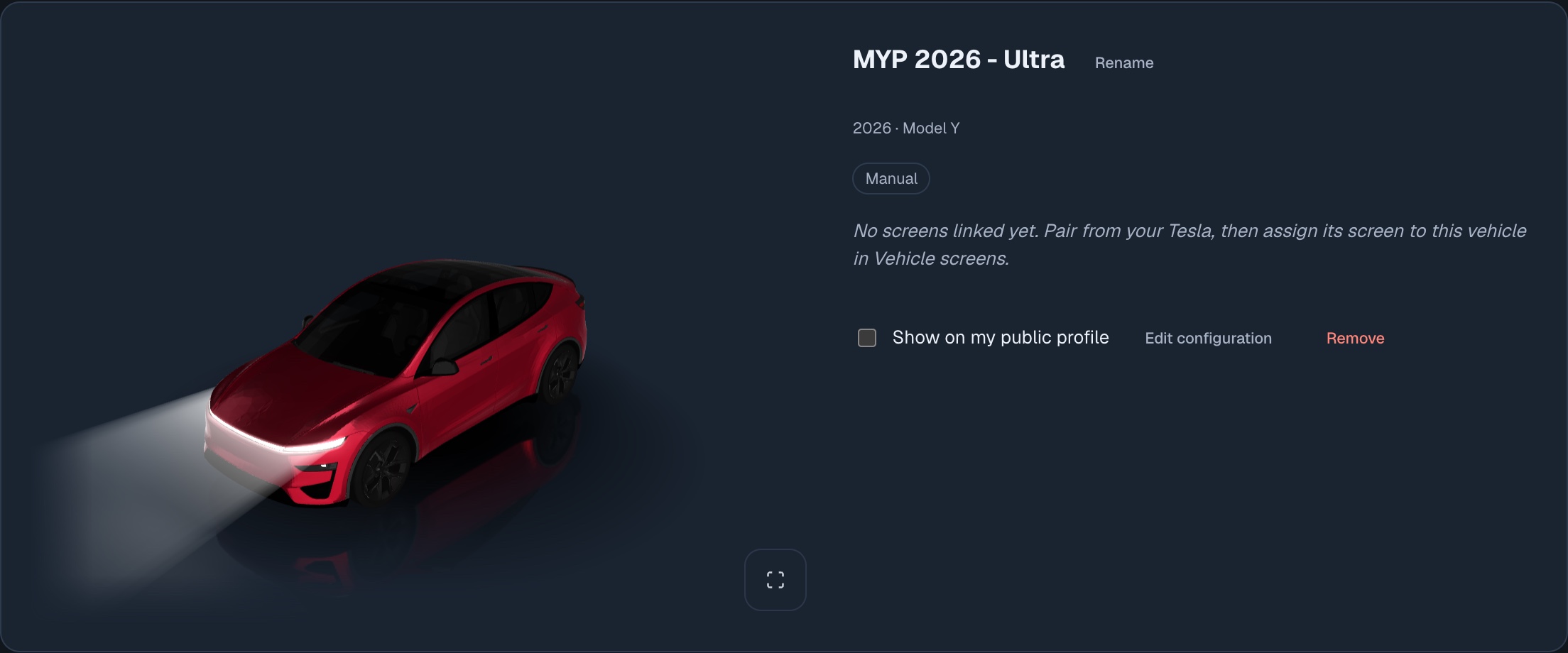
Have more than one car? The row of cars under the stage holds every car in your garage. Pick one and it takes the stage, and the panel beside it, with its own paint, wheels and lights: from a Model Y Performance in Ultra Red to a Cybertruck with its light bar on.
Day or night
The stage follows your theme. In the light theme your car is lit the way your Tesla’s own screen shows it, parked by day. Switch to dark and night falls, with the headlights on. Auto follows your device.
Truer 3D cars
The same 3D cars appear in the Garage on your account page, and their paint and wraps now look closer to the Tesla app’s own renders.