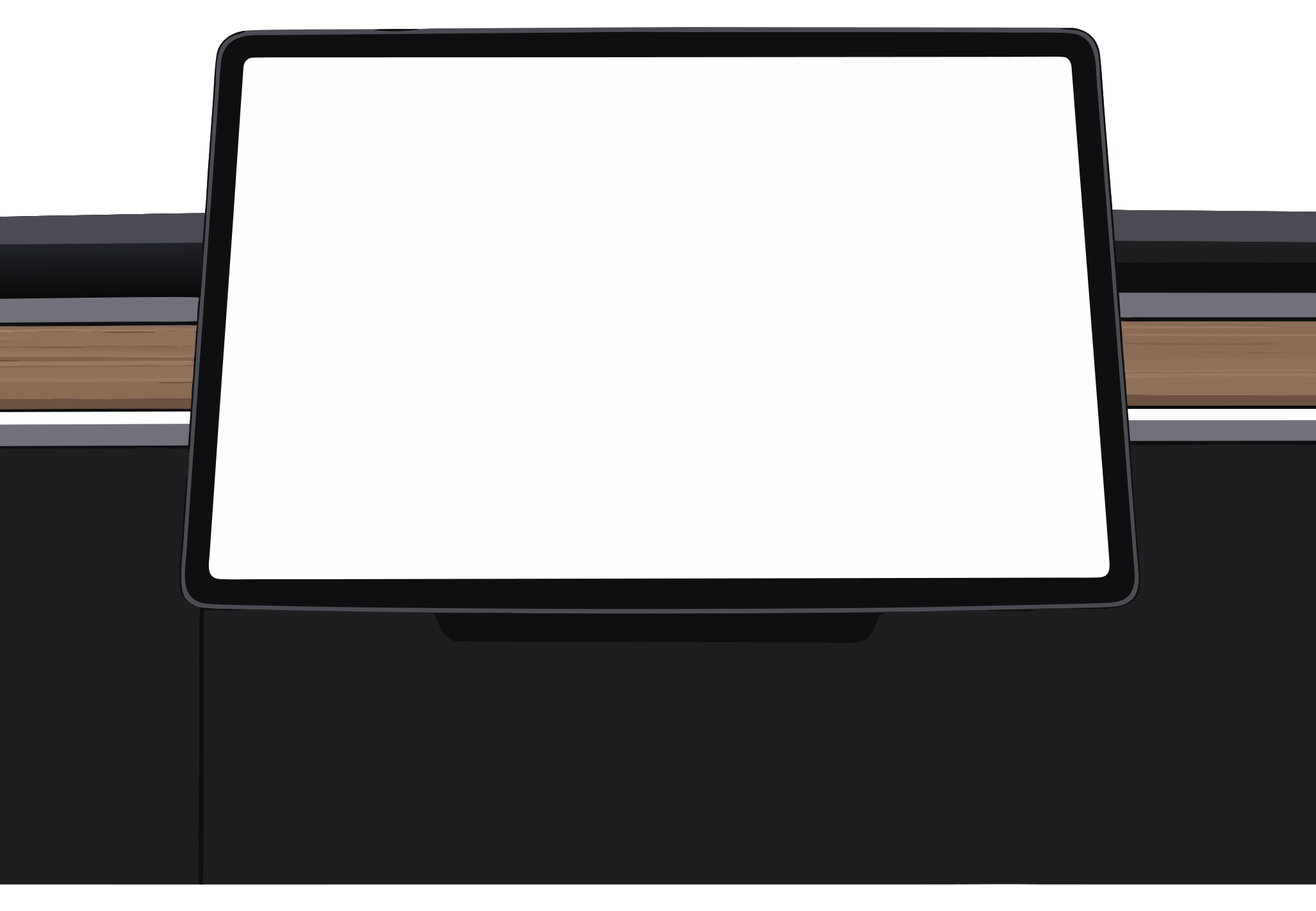
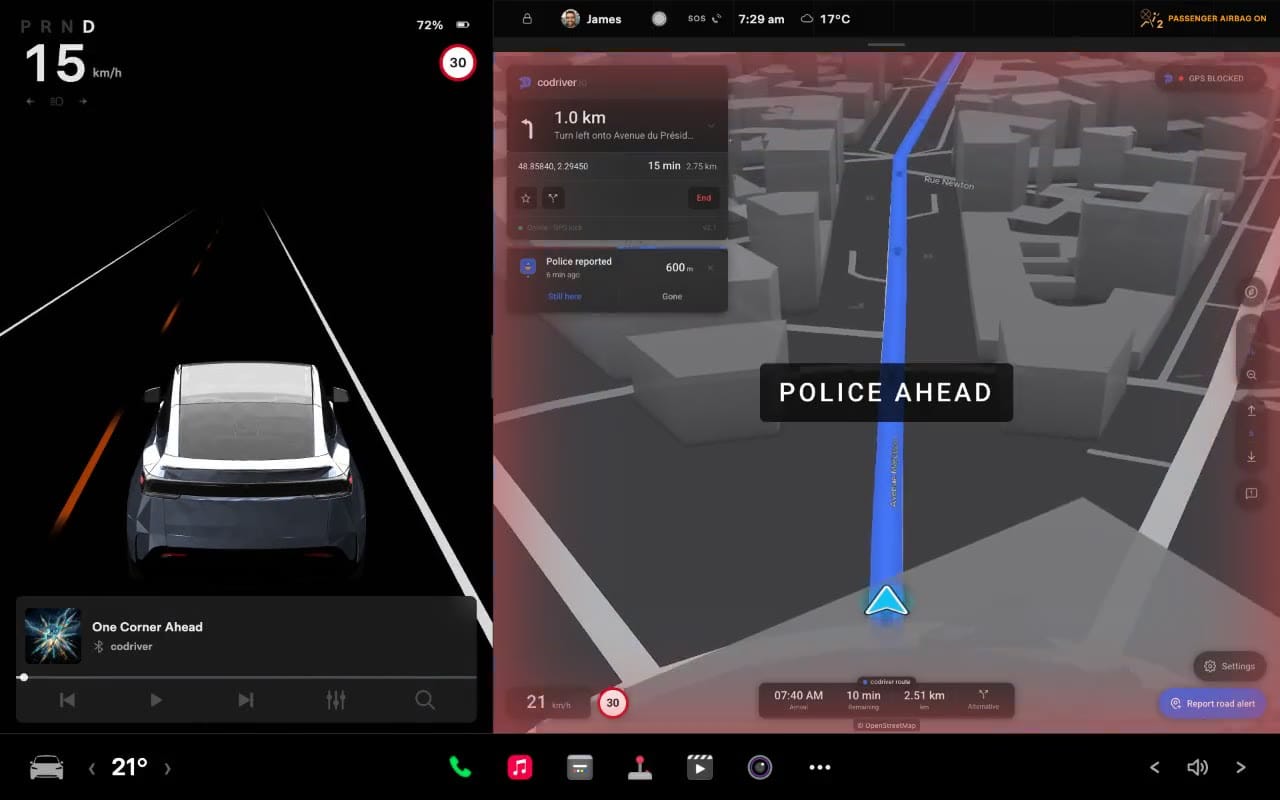
Police, hazards, traffic, and closures from community reports and enabled data layers. Choose which alerts appear on your map.
Explore road alerts ↗In the app · alert preferences
A navigation companion for your Tesla
A companion on your side — all the time, and when it counts. Navigation, live road context, route advice and your Tesla working together on the screen you already have.
Every Premium feature included until 30 September. Access opens in waves.
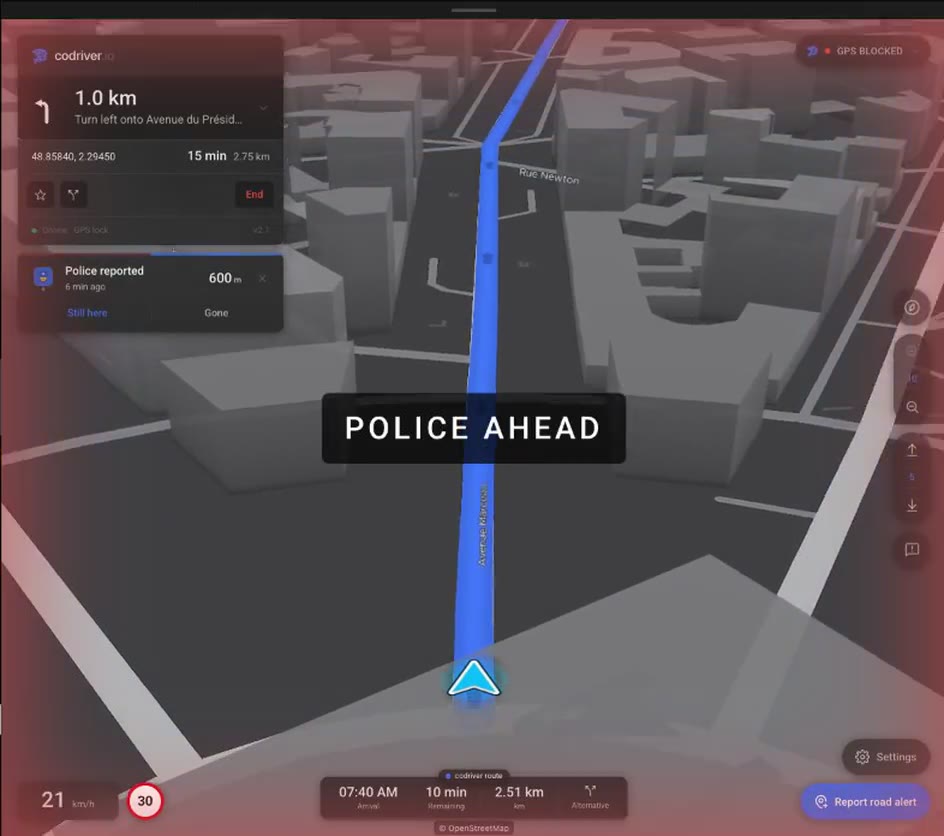
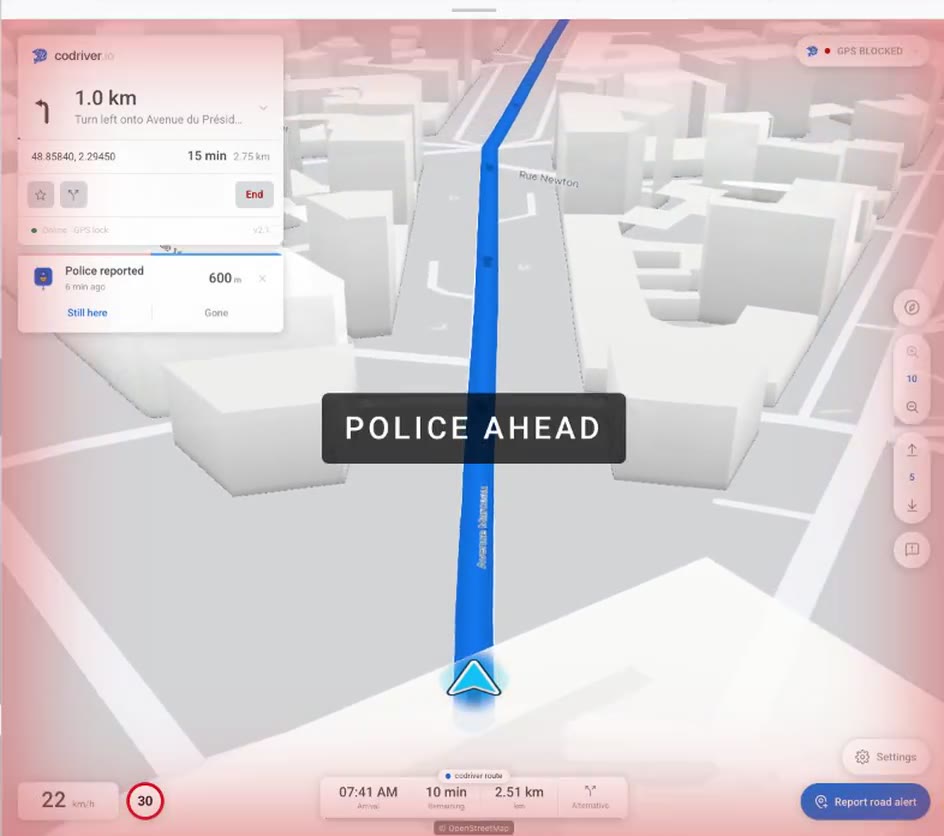
Live demo · Arc de Triomphe → Eiffel Tower · Cityscape view
Keep it simple with a flat map, follow your heading, or see the city in 3D. Four views, made for the screen you already have.
Meet the map ↗

A simple, north-up map.


The map follows your heading.


A view of the terrain ahead.


The streets and buildings in 3D.
Create your account and join the free beta waitlist. We’ll let you know when your access opens.
Once you’re in, open codriver in your Tesla’s browser. Scan the on-screen QR code with your phone to sign in.
Choose a map view, switch on your layers, and save your favourite stops. Keep Tesla’s navigation alongside.
Plans
The Free plan covers the drive itself. Premium adds the 3D map, Car route and the extras. Until the beta ends on 30 September 2026, every account has Premium at no charge.
Free forever
$0forever
Everything you need for the drive.
Flexible
$5USD / month
The full codriver, month by month.
Founder Series
$30USD / year
Half the monthly price, and a thank-you for backing codriver early.
| Feature | FreeFree forever | Premium · monthly$5 USD / month | Premium · yearly$30 USD / year · 50% less than monthly |
|---|---|---|---|
| 2D map, north-up or following your car | Included | Included | Included |
| Live road alerts and alert settings | Included | Included | Included |
| Turn-by-turn navigation with voice guidance | Included | Included | Included |
| Route advisor: a faster route from live, crowd-reported traffic | Included | Included | Included |
| Your Tesla’s destination, picked up when codriver opens or with one tap (Tesla account connected) | Included | Included | Included |
| Your drive picks up where it left off after a browser reload | Included | Included | Included |
| Favorites | Unlimited on this car; Home and Work synced | Unlimited, synced to every car you pair | Unlimited, synced to every car you pair |
| Charging networks on the map | Tesla plus one network | Every network at once | Every network at once |
| 3D map with tilt, buildings and trees, on a 3D engine built for the Tesla browser | Not included | Included | Included |
| Car route: codriver follows the route your Tesla calculated and says when a faster one splits off, before the junction. How Car route works | Not included | Included (Tesla account connected) | Included (Tesla account connected) |
| Widgets and app notifications | Not included | 2 widget slots, 4 notification channels | 2 widget slots, 4 notification channels |
| Your own Tesla on the 3D map, in its paint and wheels, plus arrival confetti and rainbow road | Not included | Included | Included |
| Price guaranteed for 12 months | Not included | Not included | Included |
| Founder badge on your profile | Not included | Not included | Included |
| Priority support and a say in the roadmap | Not included | Not included | Included |
During the beta, every account gets every Premium feature at no charge. The beta ends on 30 September 2026 at 23:59 Eastern time. On 1 October, accounts without a paid plan move to Free: codriver keeps working in your Tesla, without the Premium features.
Car route suggests; you decide. With FSD (Supervised) or Autopilot engaged, you stay responsible for the drive and choose whether to take over for a faster route. codriver never controls the car and cannot tell whether FSD or Autopilot is engaged.
Share your link. You earn 1 free month for every 5 friends who sign up with it and pair their Tesla, 1 month when a friend subscribes to Premium · monthly and 2 months for Premium · yearly. Months are credited against your paid plan’s renewals. See your account for details.
Your data, your choice. Read our privacy policy ↗
See you out there.