Creator & press kit
Covering codriver? Everything’s here.
Boilerplate
codriver (codriver.io) is a community navigation companion for the Tesla in-car browser. It brings road alerts, turn-by-turn directions and a fluid 2D or 3D map to the car’s main screen. It opens from a saved browser favorite in two taps, with no installation or jailbreak. codriver combines community and public data, is available in English and French, and is shaped by the Tesla drivers who use it.
Fast facts
Mission
Make the road more predictable. We all hate surprises on the road.
Who it’s for
Tesla drivers who want useful road context on the large in-car screen without mounting and managing a phone.
How it opens
Two taps on the Tesla screen from a saved browser favorite. No install and no jailbreak.
Core price
Road alerts, core turn-by-turn navigation and the 2D map stay free forever.
Premium price
The Premium · yearly Founder Series costs €30 per year in Europe, equivalent to €2.50 per month. We keep prices as low as the project can sustainably support.
Languages
The main marketing, account and driving surfaces, along with spoken navigation guidance, are available in English and French. The Marketplace catalog and developer content are currently in English.
Project
An independent project built around a community of Tesla drivers, not a billion-dollar-company plan.
Roadmap
Features improve over time from driver feedback, confirmed reports and real-world use.
Privacy
Privacy by default: pseudonymous email identity, EU data residency, no ads and no location surveillance.
Ships
Weekly. The public changelog is at codriver.io/changelog.
What to show
Five features, explained through driver value
One view of the road ahead
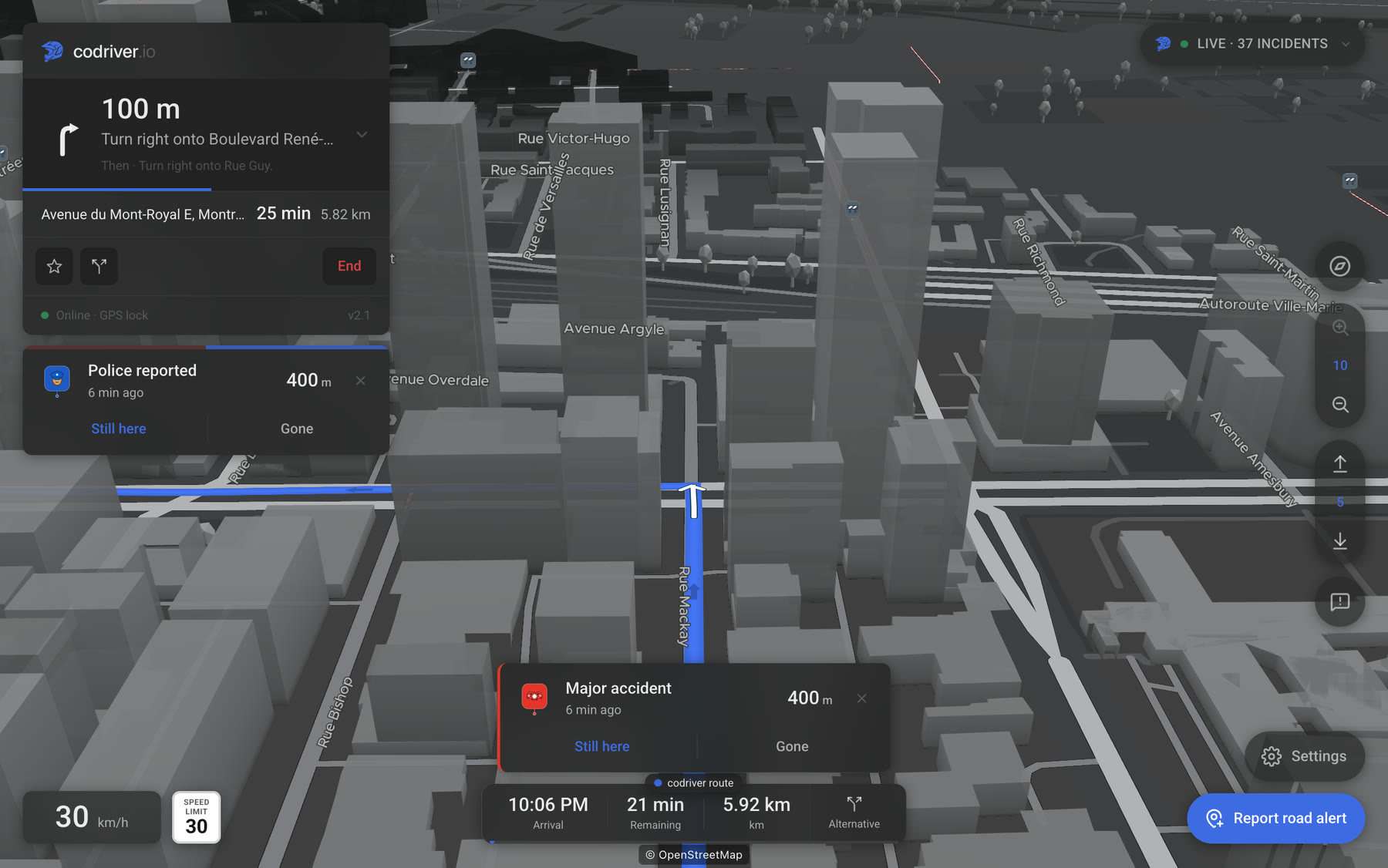
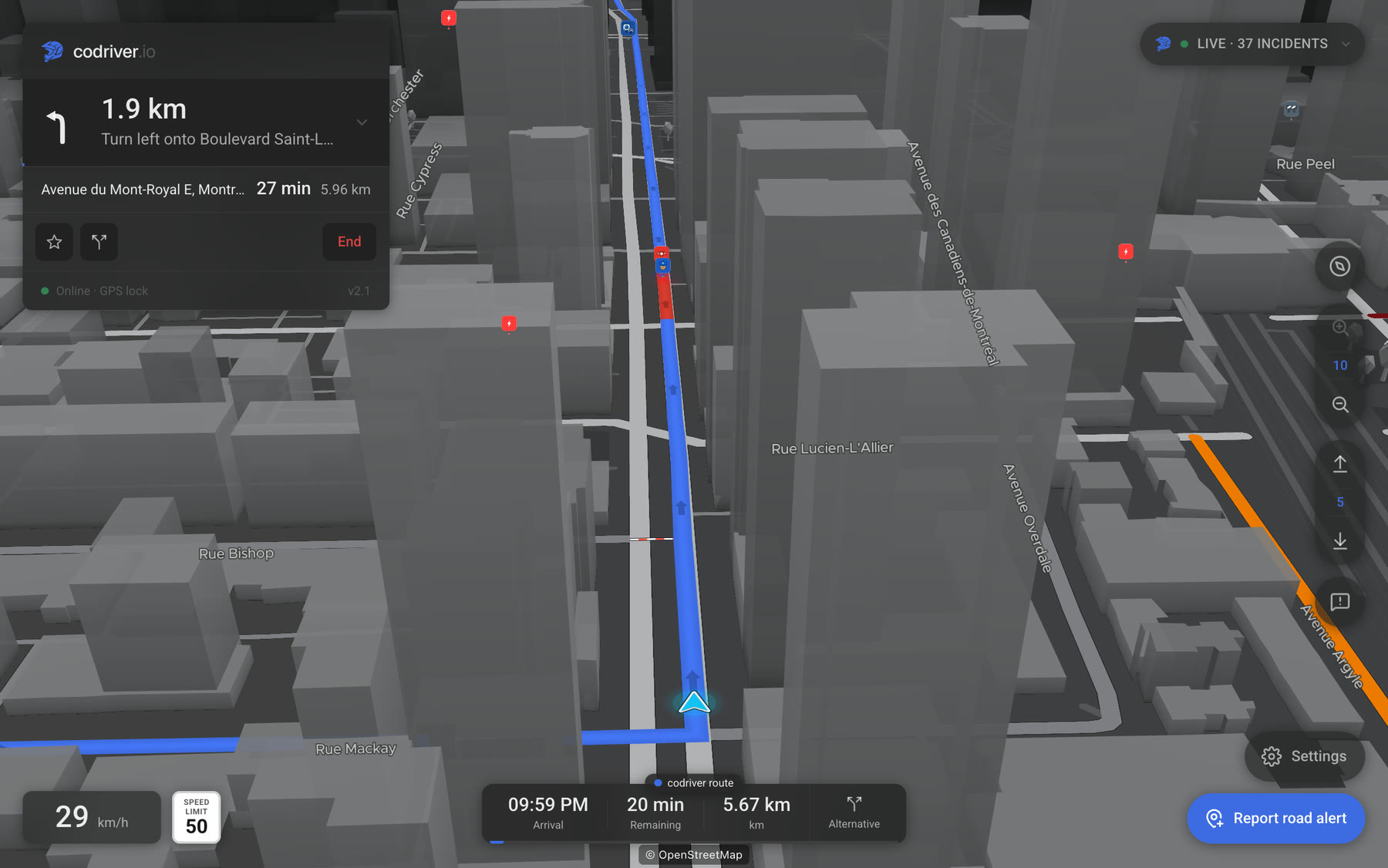
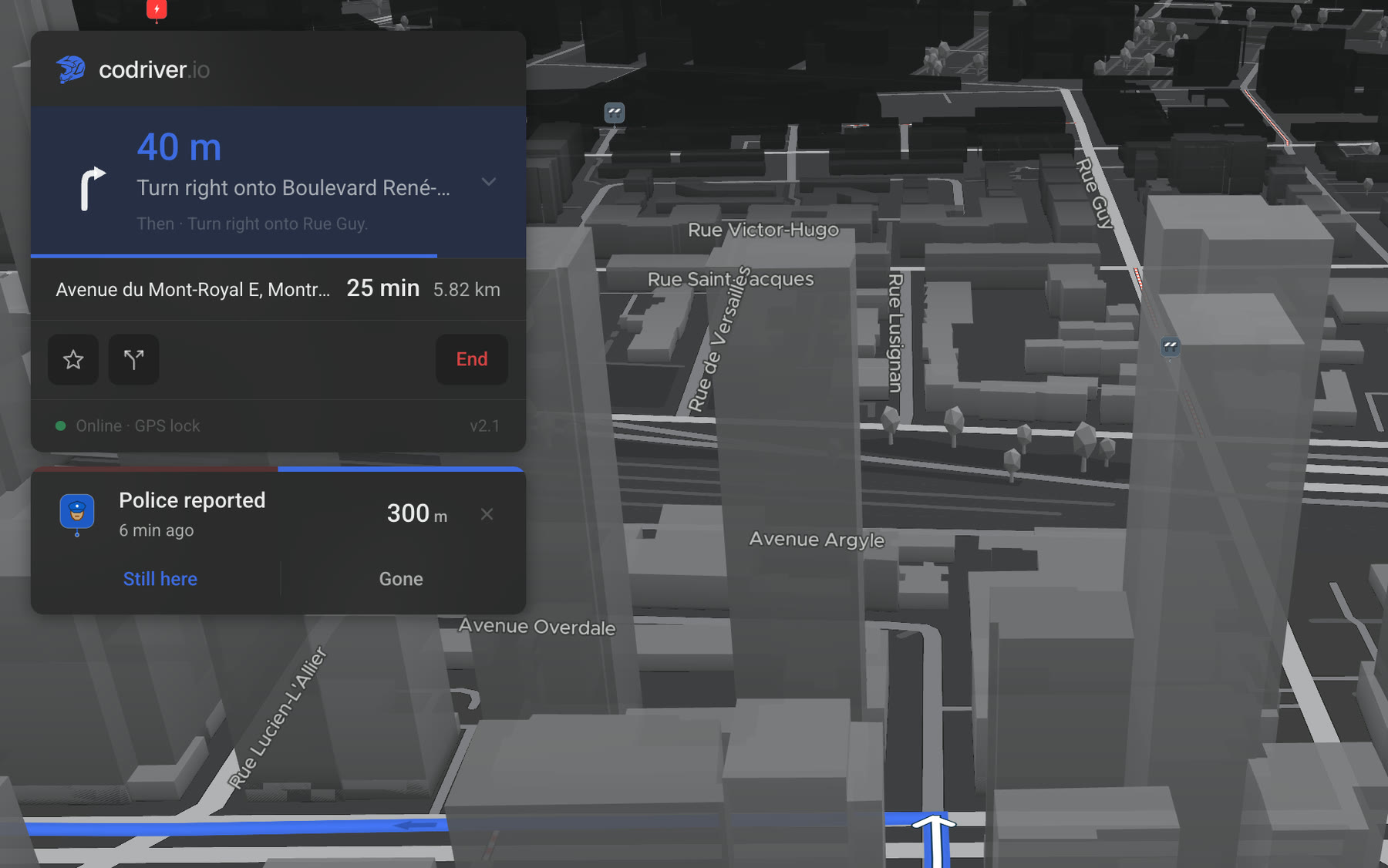
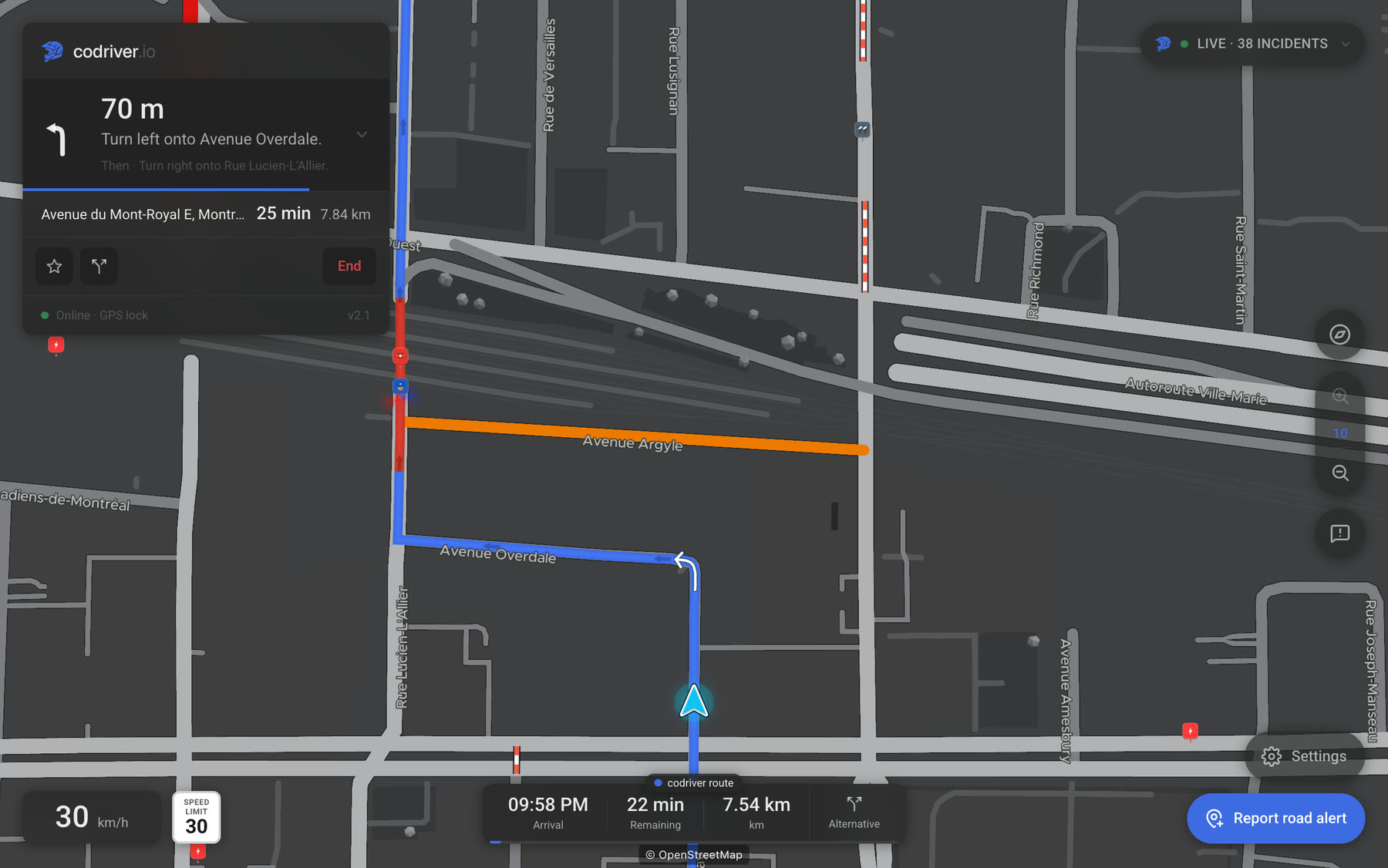
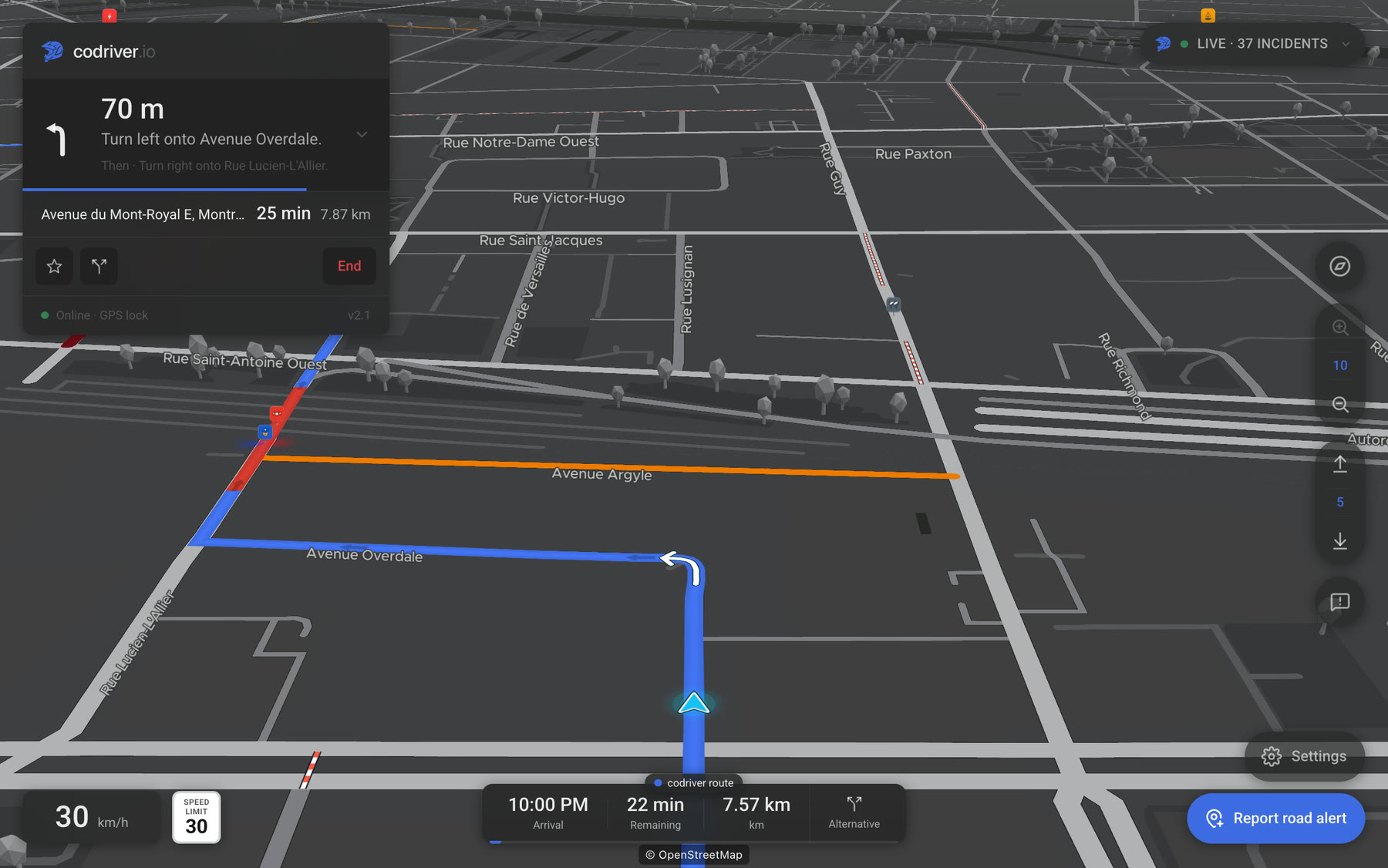
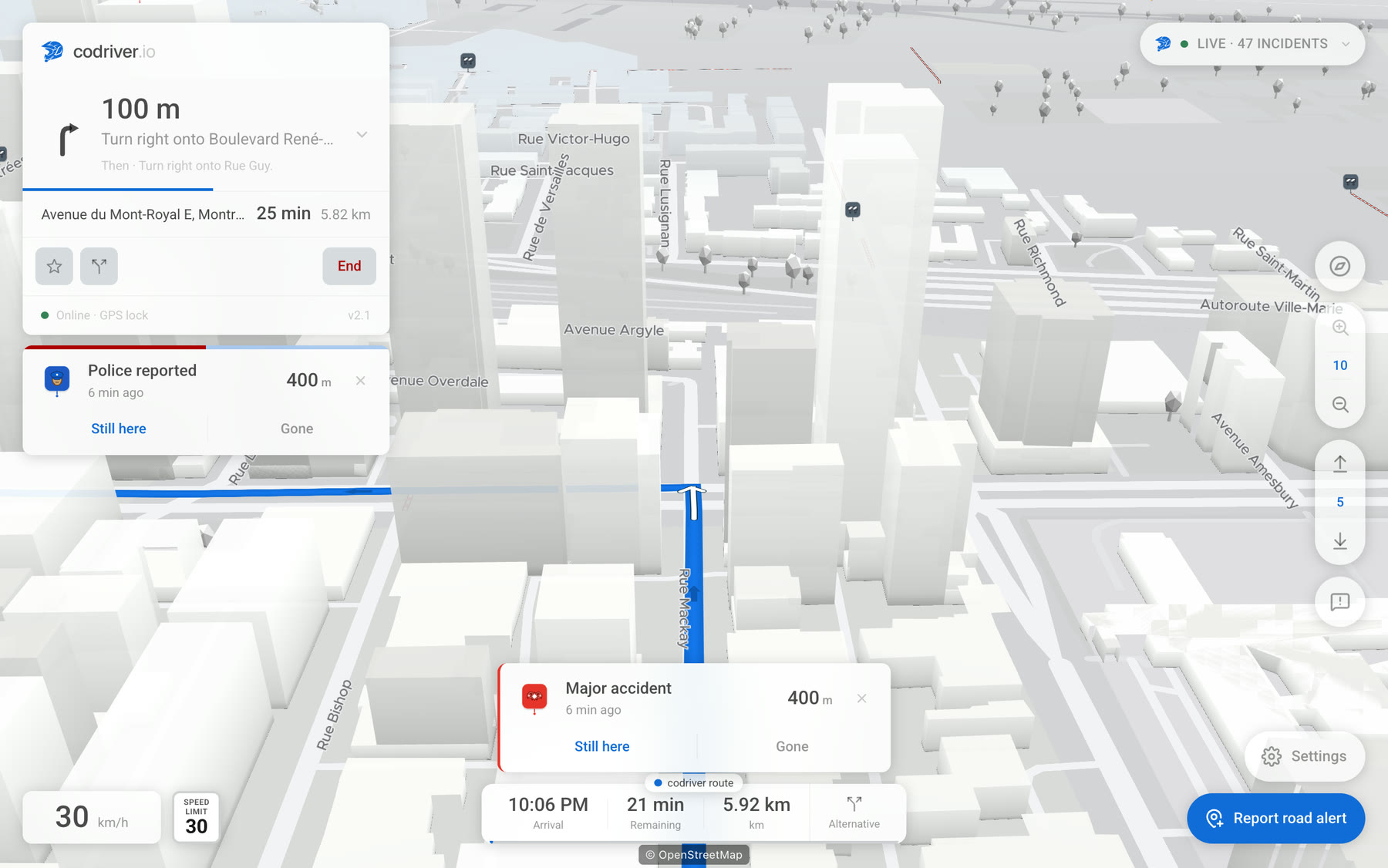
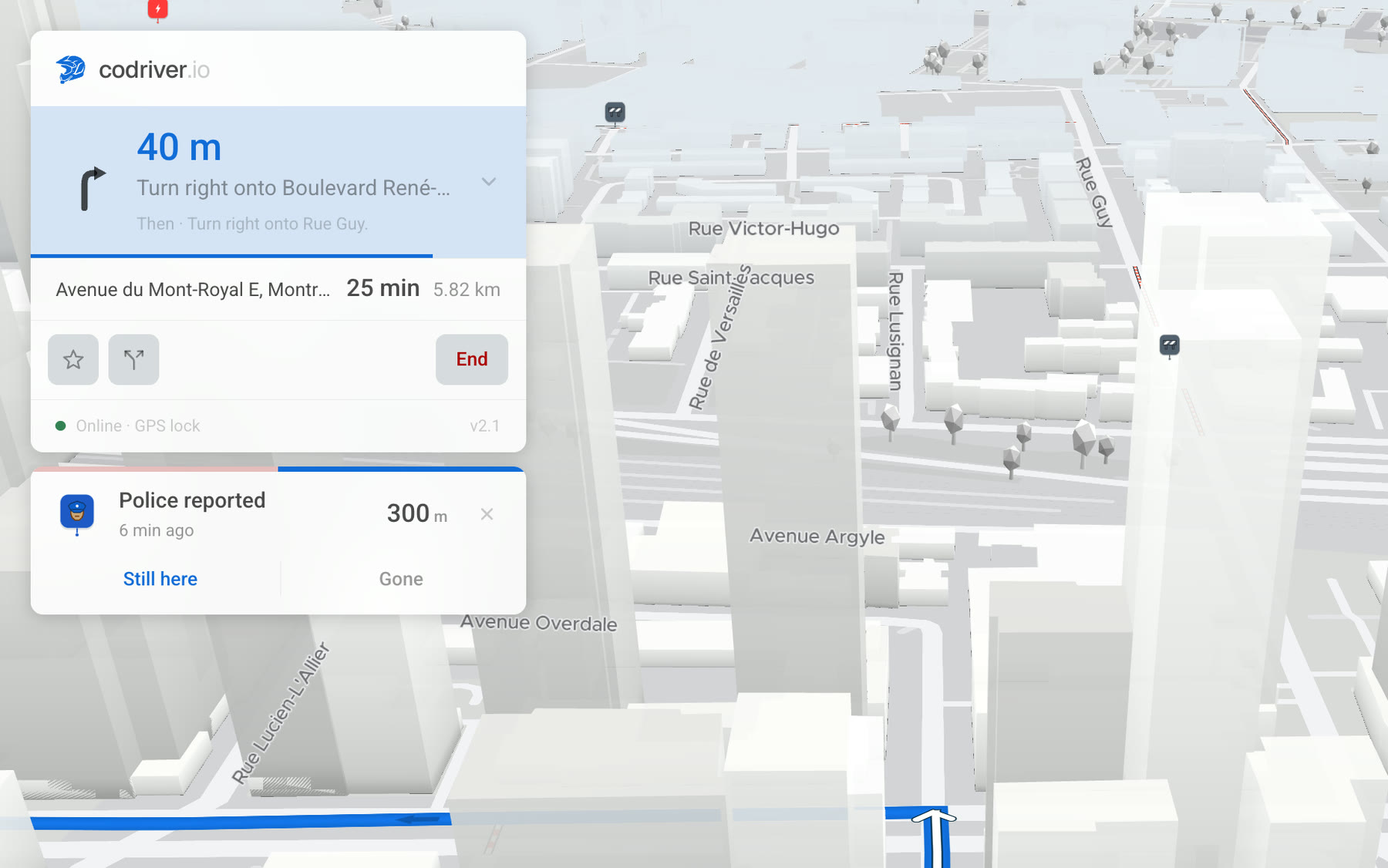
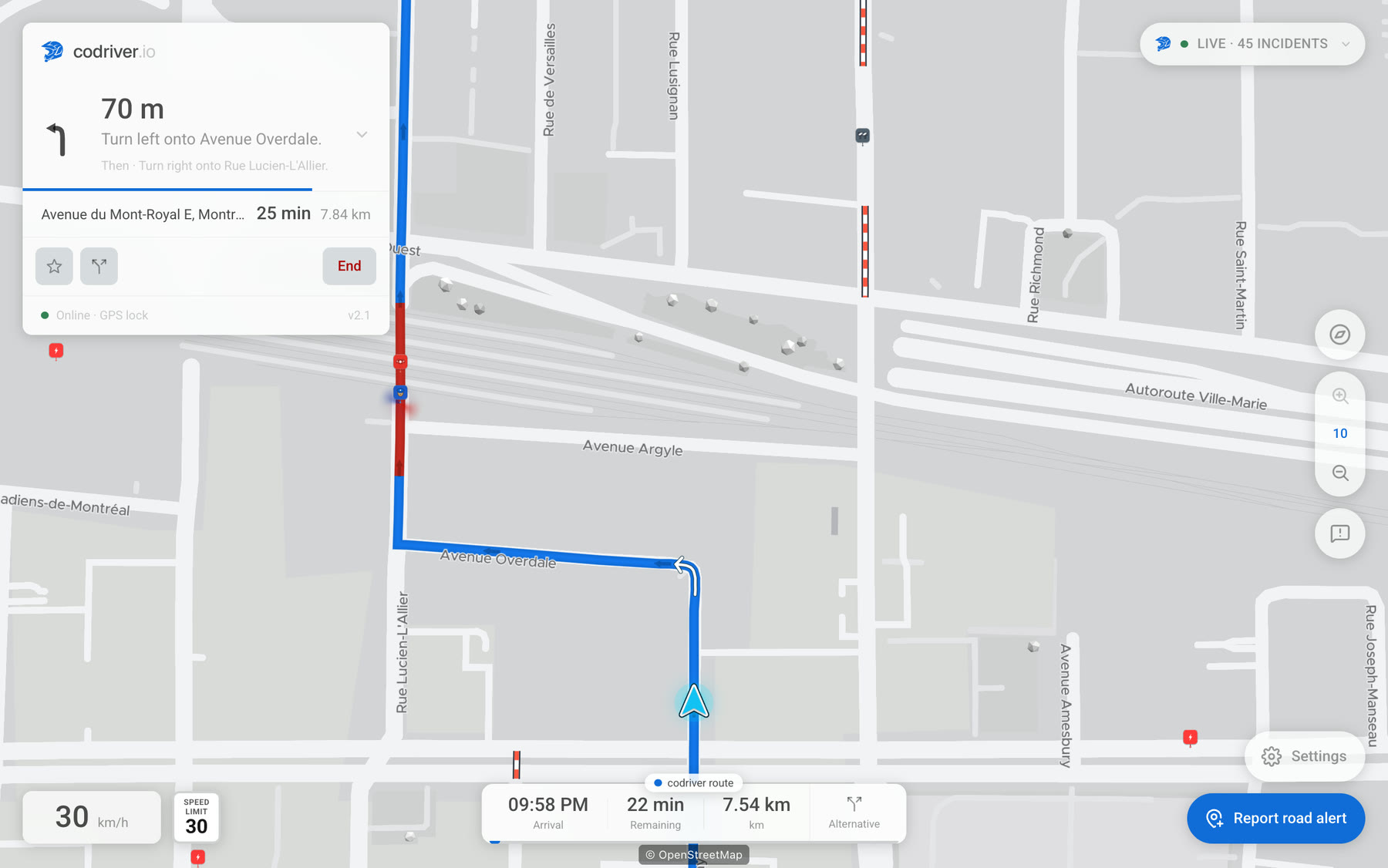
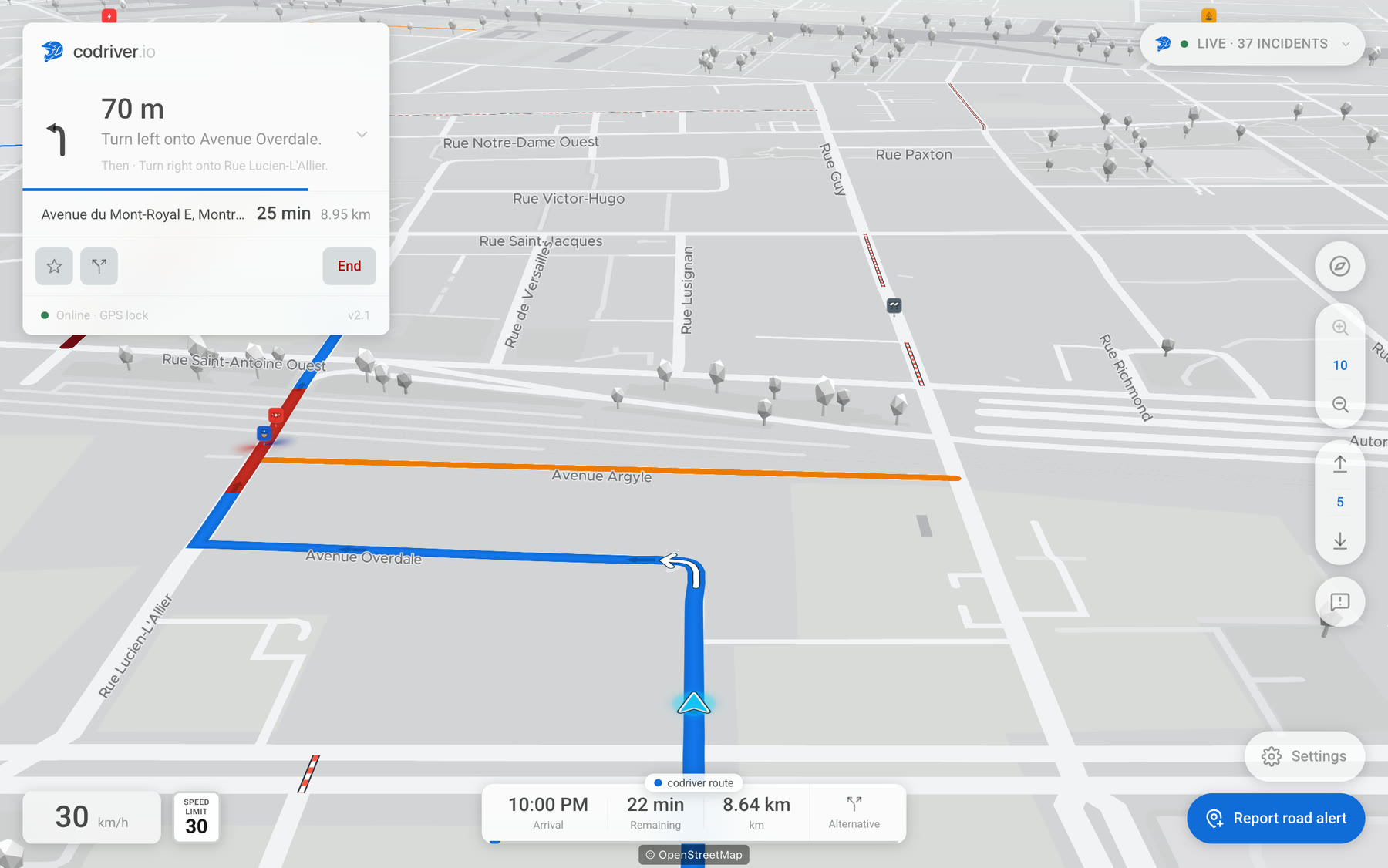
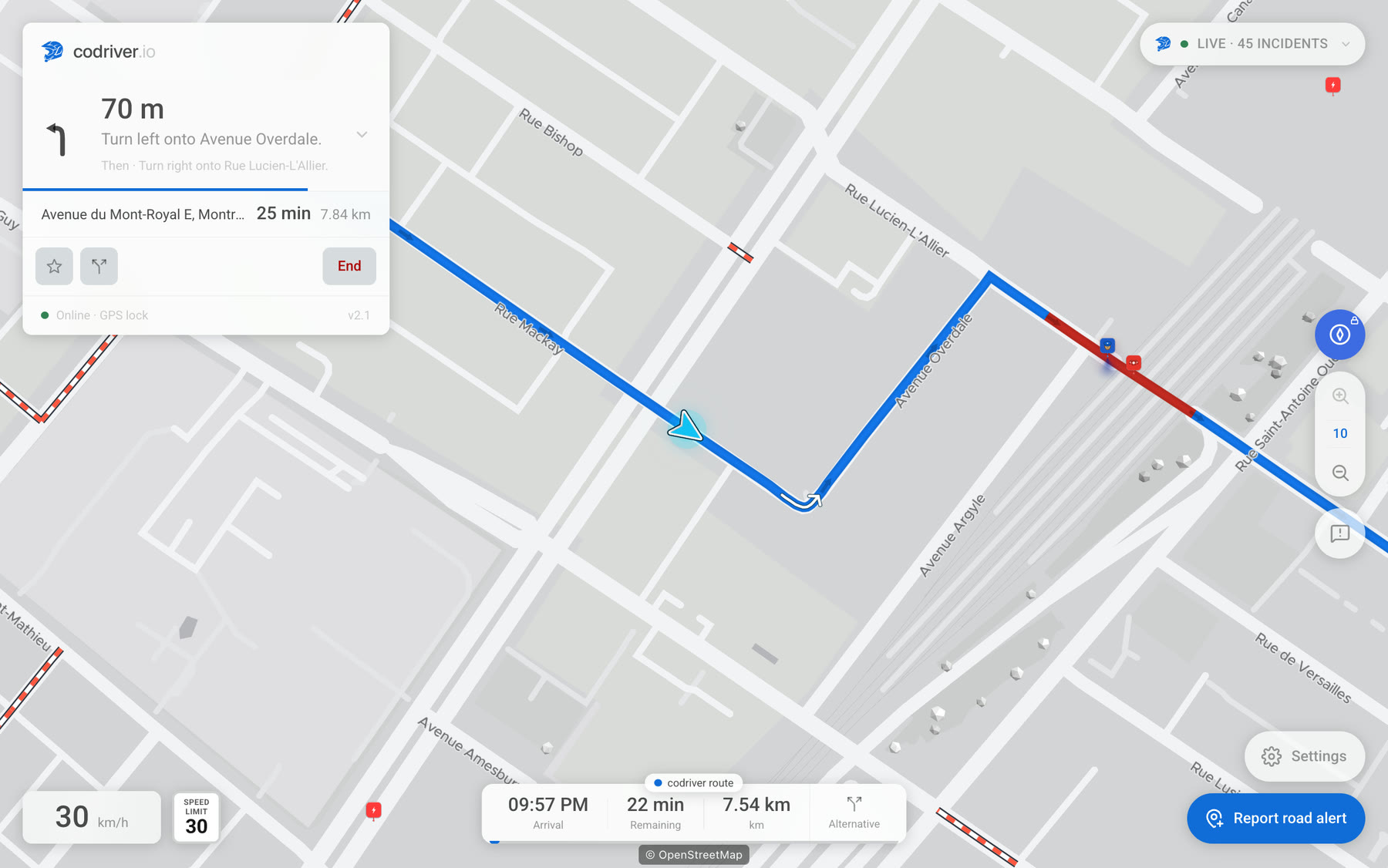
Alerts combine live community reports for police, emergency vehicles and road incidents; OpenStreetMap data for fixed enforcement where local law permits; DeFlock’s public map of automated licence plate readers; and official closures for events and roadworks. The useful context is gathered in one place.
Readable at a glance
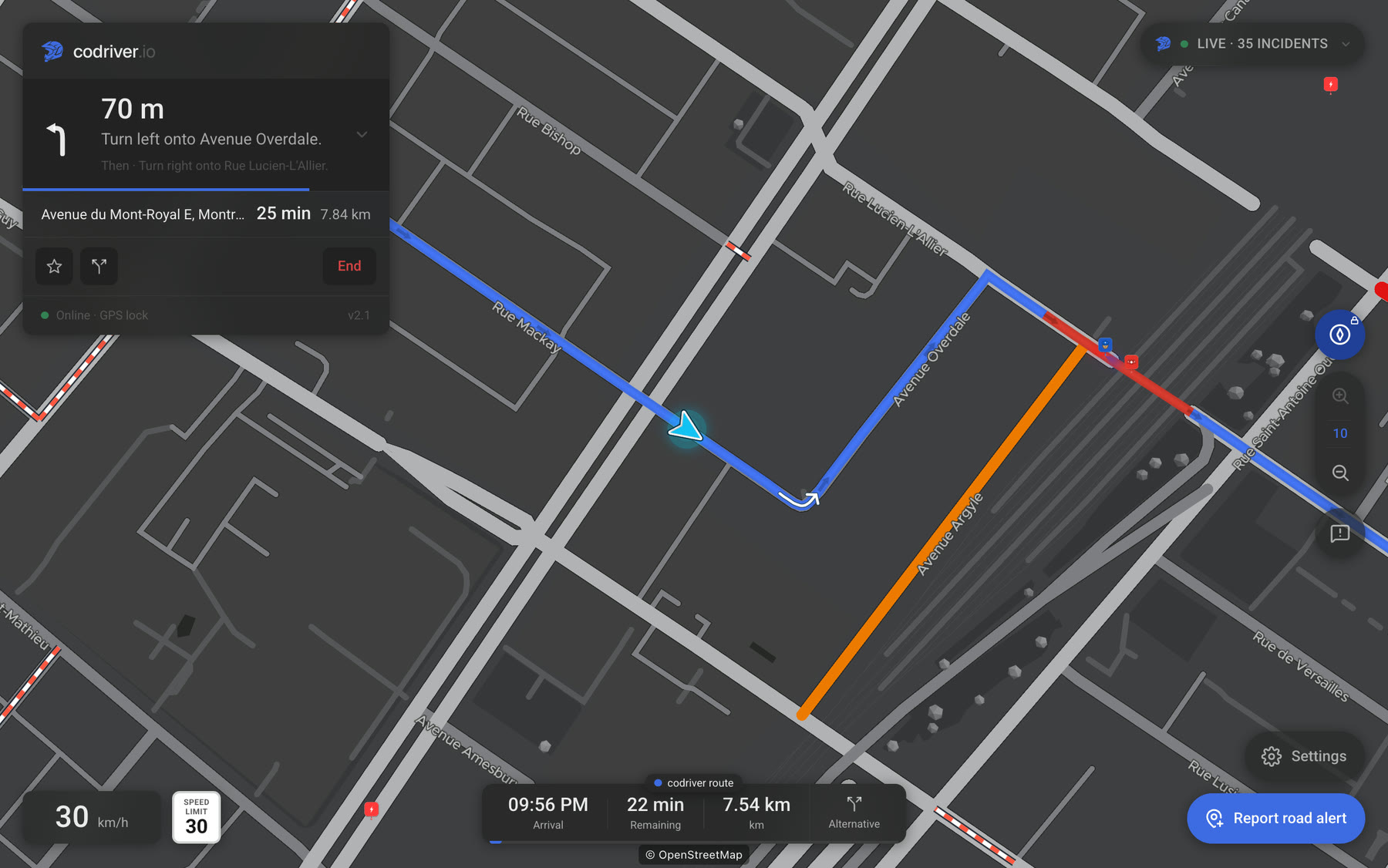
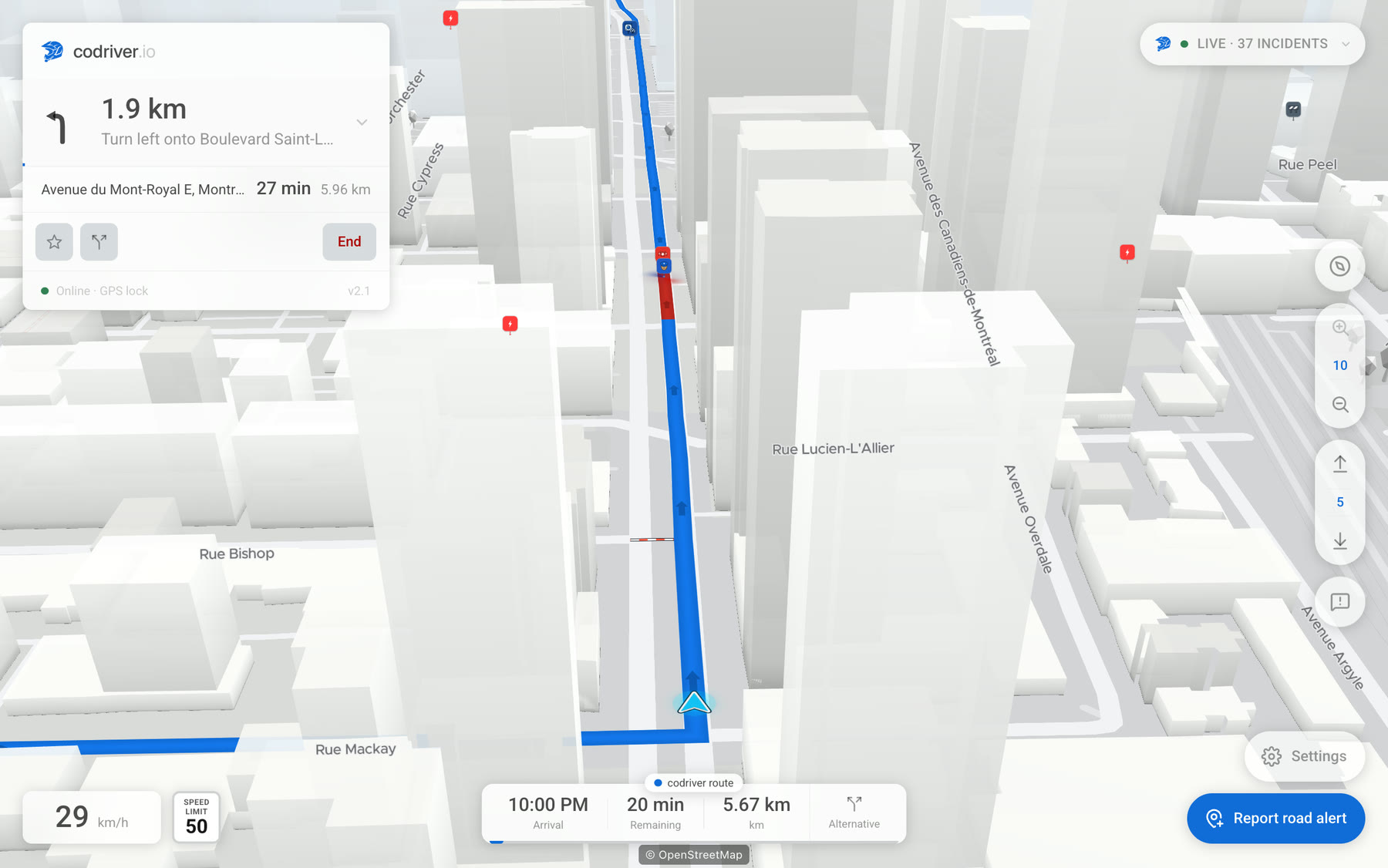
The fluid 2D and 3D maps run on both MCU2 and MCU3. Drivers can follow the car or lock north, according to their preference. Both 2D views are free; the 3D views require Premium.
Two navigation modes
Best route calculates codriver’s fastest or shortest route from live traffic. Car route draws the route chosen by Tesla Navigation and can suggest a faster alternative before the junction. Car route is read-only: codriver never controls the car and cannot tell whether FSD (Supervised) or Autopilot is engaged. It requires Premium and a connected Tesla account with Fleet Telemetry.
English and French across the main experience
The main marketing, account and driving surfaces, along with spoken navigation guidance, are available in English and French. The Marketplace catalog and developer content are currently in English.
Faster to start than a phone navigation app
Once saved as a Tesla browser favorite, codriver opens in two taps on the car’s screen. There is no phone mount or second display to manage.
Tips and Easter eggs
There is more behind the map
Rainbow road
Premium members can open Settings → Advanced and turn on Rainbow road.
Badges
Members earn badges by inviting friends who pair their Tesla, submitting reports later confirmed by the community, connecting their Tesla account and, if they opt in to usage tracking, reaching driving-distance milestones.
Your car in 3D
Render your Tesla with its model, paint and wheels. You can also upload your own wrap design using the Tesla template.
Widgets and notifications
Advanced users can load reviewed, sandboxed extensions from the Marketplace. Browsing and configuring extensions is free; placing one in a widget slot or notification channel requires Premium. The Marketplace catalog is currently in English.
Why it exists
Built with Tesla drivers
codriver’s goal is to create a useful community around Tesla drivers. It is an independent project, not an attempt to build a billion-dollar company. Feedback goes directly into the roadmap, so the product can keep improving around what drivers actually need.
Screenshots
Real product captures, free to publish in reviews, videos and articles. Right-click or long-press to save the full-size image.
Demo footage
Short screen and in-car clips (20–60 s, no watermark) are available on request: email us and we’ll send raw cuts you can edit freely, or record the specific flow your video needs.
Story angles that aren’t ads
The road should be more predictable
Why one screen that combines community, open and official sources can reduce surprises without forcing the driver to juggle apps.
A small product shaped by its drivers
How an independent project can keep its core free, charge a low price for Premium and let user feedback guide what ships next.
Someone wrote a 3D map engine for a car browser
Peregrine is codriver’s own renderer, optimized for Tesla hardware so both 2D and 3D remain fluid on MCU2 and MCU3.
The Tesla browser is becoming an app platform
With no App Store, CarPlay or Android Auto on Tesla, useful web apps can bring new capabilities to the built-in screen through a simple URL.
Need a walkthrough, interview, Q&A or an early look tailored to your audience? Ask. The founder replies personally at hello@codriver.io.
Try it before you cover it: the core stays free.
Every feature is free through September 30, 2026. Road alerts, core navigation and both 2D maps stay free forever.